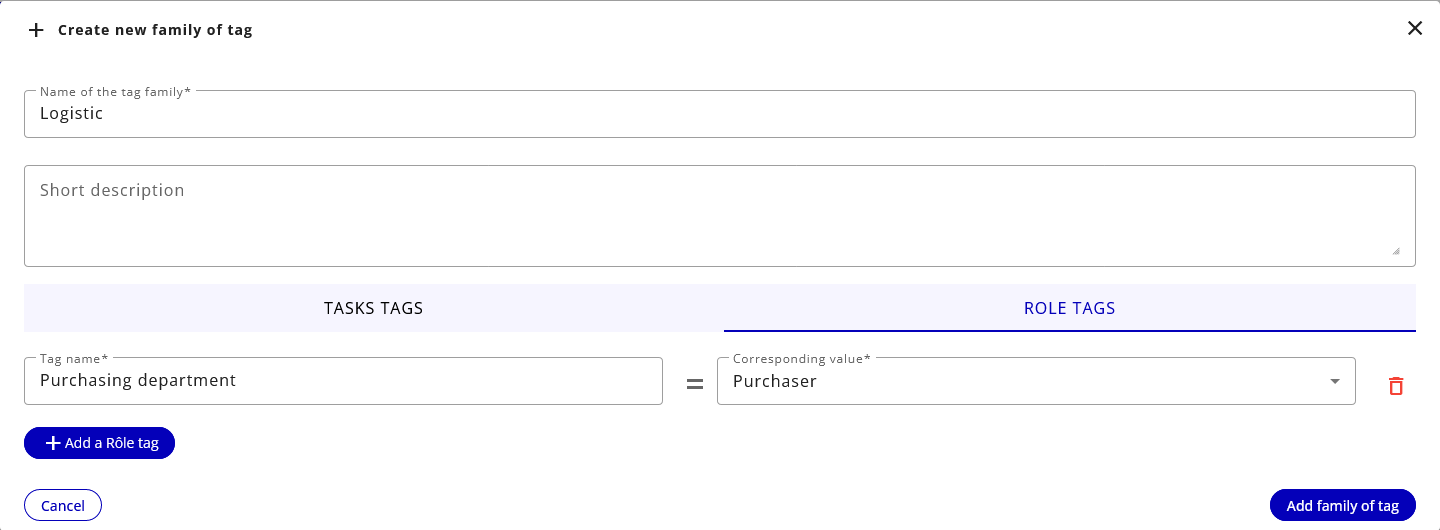
Family of tags
Family of tags
A family of tags is a set of correspondences between a term and a translation. Family of tags can be used to perform translations from one language to another, or to translate terms according to a business context. In this way, tags can be applied to job names or dimension values.
For example, you can create a family of tags Logistics where the task Preparation shipment becomes Order receipt. When you select this family of tags, all tasks originally named Preparation shipment will be renamed Order receipt in the display, search fields, exports and conformance checking models.
Limitations
With the current implementation, it is not allowed to rename two different tasks to the same target name in a family tag, or to rename a task to an other already existing task.
So the only mapping allowed is a 1 to 1 task renaming, without overlap between existing tasks.
The rationale is that it would break the BPMN model semantics and mining statistics on tasks.
Should you try to use this fonctionality because your original tasks names in your event logs have evolved over time in different batches, we'd recommend you to rename tasks in the event log batch :
-
either the new one(s) using the old naming convention (in this case you will be able to use the family tag feature to match the new tasks namings)
-
or by renaming the old batch(es) with the new naming convention, merging all batches and reingesting the data in a new project
Usage
A family of tags can be selected from the Dashboards, Analysis and Process explorer areas. Once selected, a family of tags applies to display, search and export.


It is also possible to select a family of tags when importing a conformance checking model.
Family of tags management
Family of tags are created and edited in the project's Settings area, in the Tag management tab.
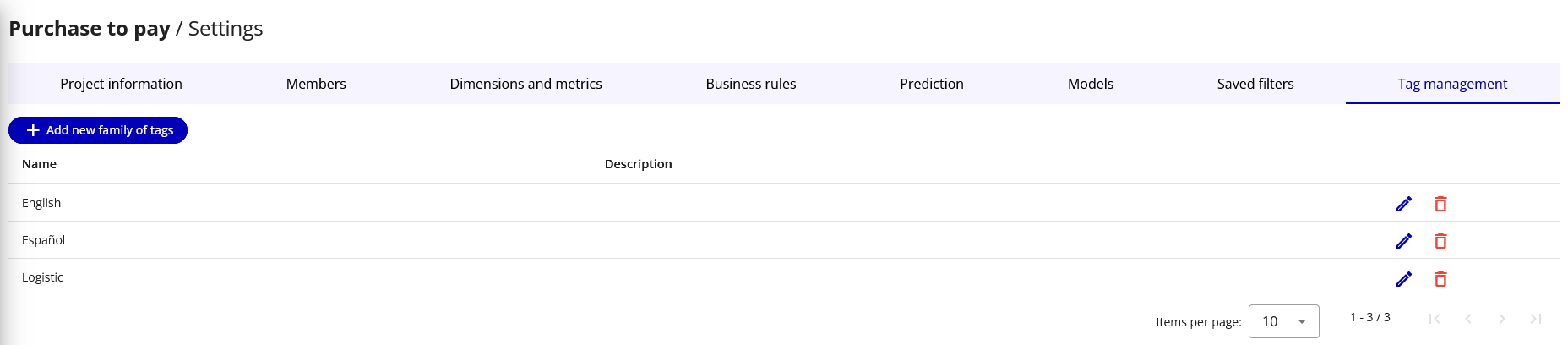
Here you'll find all existing family of tags that you can edit or delete. You can also add a family of tags by clicking on the "Add a family of tags" button.
Family of tags edition
For each family of tags, you must enter a title and, optionally, a description. For each task and for each project dimension value, you can specify a tag which will replace its original name when the family of tags is selected in the application.
To add a tag to a task, select the Tasks tags tab:
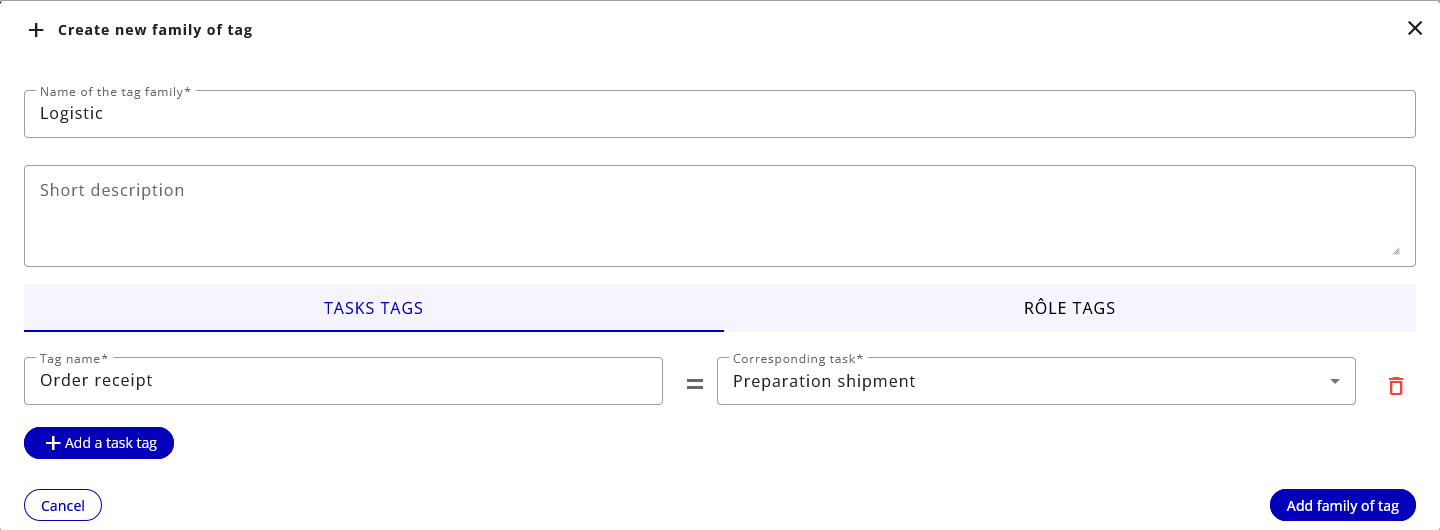
To add a tag to a dimension value, select the tab with the dimension's name: